Posting on social media sounds simple until you realize that what you post matters far less than when you post it and how consistently you show up. Scheduling your social media content in advance is no longer a nice-to-have. In 2026, it is the baseline for any brand or business that wants to grow without burning out.
This guide walks you through exactly how to schedule social media posts for maximum engagement: the best times to post on each platform, the workflow to follow, and the tools that make it efficient.
Why Scheduling Social Media Posts Matters
The average social media manager juggles 4-7 platforms simultaneously. Without a scheduling system, posts get published reactively instead of strategically, peak engagement windows get missed, content quality drops under daily pressure, and analytics become meaningless because posting is inconsistent.
Scheduling fixes all of this. You batch your content creation, post at optimal times automatically, and free up mental bandwidth to focus on strategy and engagement.
Step 1: Know the Best Times to Post on Each Platform
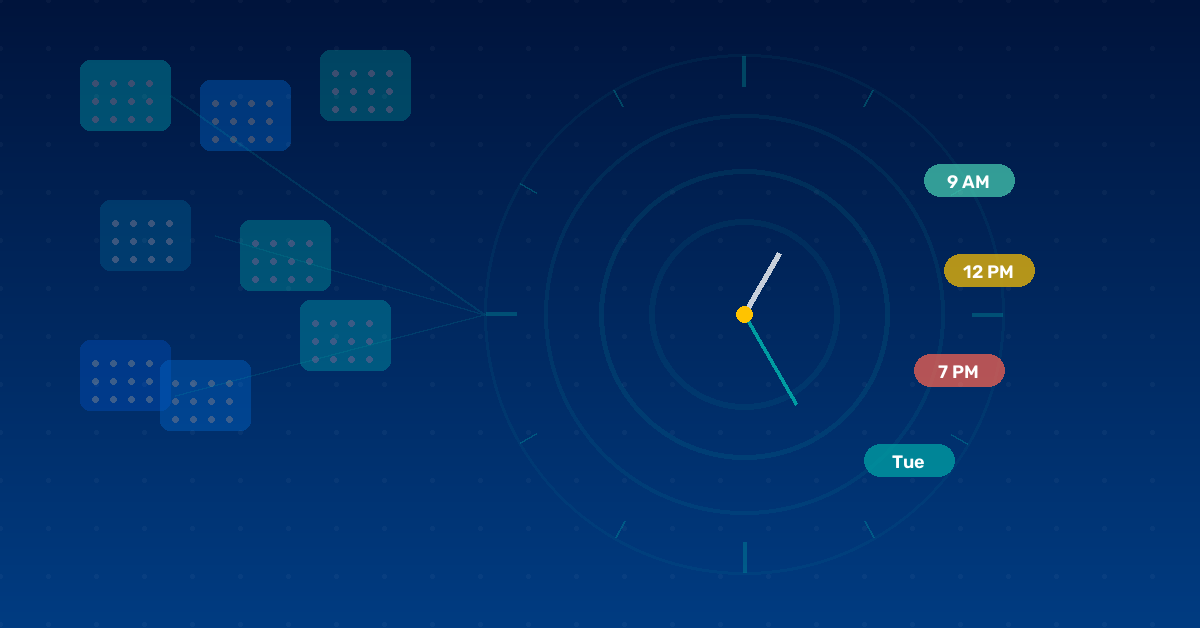
Algorithms reward content that gets early engagement. If you post when your audience is active, you get more likes, comments, and shares in the first hour, which tells the algorithm to push your content to more people.
Instagram: Best days Tuesday through Thursday. Best times 6-9 a.m., 12-2 p.m., 7-9 p.m. Reels get the most reach posted between 9-11 a.m.
Facebook: Best days Tuesday through Thursday. Best times 8-10 a.m., 12-1 p.m., 3-5 p.m. Video content outperforms all other formats.
LinkedIn: Best days Tuesday through Thursday. Best times 7-9 a.m. and 5-6 p.m., before and after work hours. Avoid weekends.
Twitter/X: Best days Monday through Friday. Best times 8-10 a.m. and 4-6 p.m. Posts under 100 characters still outperform longer threads for raw reach.
Pinterest: Best days Saturday and Sunday. Best times 8-11 p.m. Schedule pins 7-14 days in advance for evergreen content.
TikTok: Best days Tuesday, Thursday, Friday. Best times 7-9 a.m., 12-3 p.m., 7-11 p.m. Consistency matters more on TikTok than timing.
Pro tip: These are general benchmarks. After 30 days of posting, review your platform analytics and adjust based on when your followers are most active.

Step 2: Build a Content Calendar
Before you schedule a single post, map out what you are going to post. A content calendar prevents filler content and ensures your messaging is intentional. Include post date and time, platform, content type, caption draft, hashtags, and status.
A spreadsheet works fine to start. Once you are scheduling 15 or more posts per week, switch to a tool like Heropost that lets you visualize your calendar and manage everything from one dashboard.
Step 3: Batch Your Content Creation
Content batching means creating multiple pieces of content in one focused session instead of creating one post at a time.
- Set aside 2-4 hours, once or twice a week, dedicated purely to content creation
- Write all captions first because they require the most cognitive effort
- Create or source all visuals next using consistent templates for brand cohesion
- Assign hashtag sets per post grouped by content category
- Load everything into your scheduling tool at once
A batched session for a 5-post-per-week cadence takes about 2.5 hours. Posting ad hoc across the same week takes 5-7 hours with constant context-switching.
Step 4: Use a Social Media Scheduling Tool
Manual scheduling is neither sustainable nor scalable. A scheduling tool handles automated publishing, gives you a visual content calendar, and provides analytics to improve over time.
What to look for: multi-platform support, native post previews, best time suggestions, bulk scheduling, and team collaboration.
Heropost supports scheduling across Instagram, Facebook, Twitter/X, LinkedIn, Pinterest, TikTok, and YouTube from a single unified dashboard. The built-in media library, hashtag manager, and first-comment scheduling make it one of the most complete options for brands posting across multiple platforms daily.
Step 5: Monitor, Engage, and Optimize
After posts go live, respond to comments within the first 60 minutes to boost distribution. Review analytics weekly tracking reach, impressions, engagement rate, and link clicks. Identify your top 3 posts each week and repeat what made them perform well. Adjust your schedule as data accumulates.
Common Mistakes to Avoid
- Scheduling the same caption on every platform. Each platform has different tone, character limits, and culture.
- Over-posting. More posts do not always mean more reach.
- Ignoring stories and short-form video.
- Forgetting time zones for global audiences.
Scheduling social media posts is the single highest-leverage change most small businesses and creators can make to their social strategy. Start with a content calendar, batch your content weekly, and let Heropost handle the publishing logistics.